
TV Wall Mounting: What to Check Before Booking
Wall type, bracket size, cabling — the things to check before you book a TV install.
Read the article →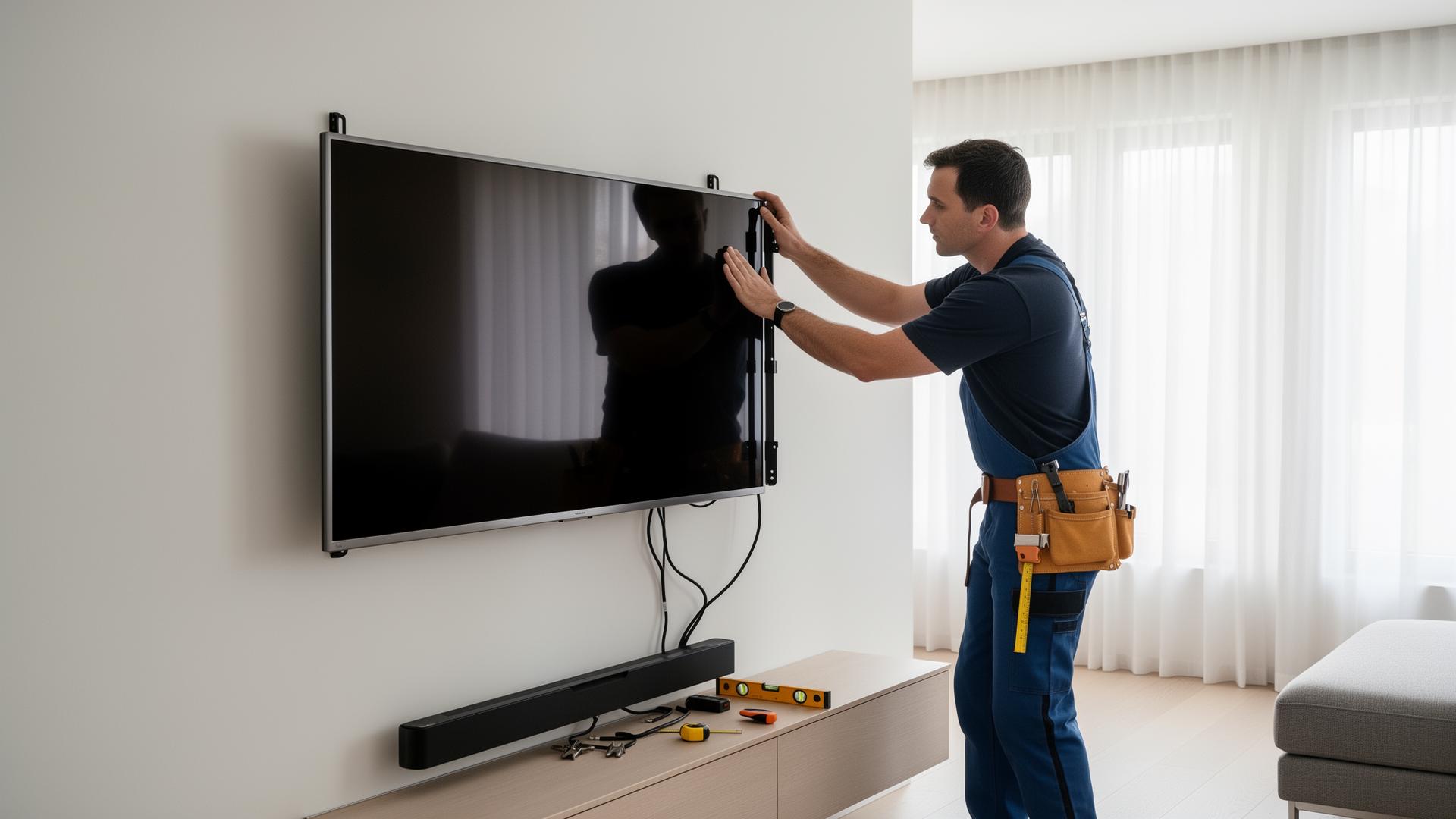
Shore Home Repairs helps North Shore Auckland homeowners, landlords and property managers mount TVs securely, level and in the right position for the room.
We focus on the practical installation work: checking the TV model and bracket, confirming the wall type, finding suitable structure or fixing points, mounting the bracket, hanging the TV, checking level and clearance, and tidying accessible cables. If the job needs a new or relocated power outlet, fixed wiring or other prescribed electrical work, that part must be handled by an appropriately licensed electrical worker.
Send the TV model, bracket details if you already have one, a photo of the wall and a wider photo of the room. That lets us check the likely mounting method and quote before work begins.
TVs are getting larger, thinner and more design-focused.
Samsung's 2026 New Zealand range includes models up to 115 inches and ultra-slim Frame designs, while LG's 2026 range includes a 9.9 mm Wallpaper TV.
That changes what should be checked before a bracket goes on the wall.
A modern TV installation may need to account for:
The useful rule in 2026 is simple: do not choose the wall fixing or bracket from screen size alone. Check the exact TV model, TV weight, mounting pattern, bracket rating and wall construction together.
The fastest way to avoid bracket problems is to identify the TV before the installation date.
The model number helps confirm:
VESA's Flat Display Mounting Interface standard is the common reference for mounting interfaces.
But a VESA-compatible hole pattern does not mean every screw, spacer or bracket is automatically correct for every TV.
Sony's 2026 BRAVIA guidance, for example, notes that some models may use VESA-style hole spacing while the number or depth of screw holes can still differ.
The manufacturer's setup guide should therefore be checked for the exact model.
Most residential TV mounts fall into three practical groups.
A fixed bracket keeps the TV close to the wall. It suits rooms where the seating position is directly in front of the screen and you do not need regular angle adjustment.
A tilt bracket allows the screen angle to move vertically. It can help when the TV must sit slightly higher than the normal seated viewing position.
A full-motion or articulating bracket can pull away from the wall, swivel and tilt. It is useful where the TV needs to face more than one seating area.
Before buying a bracket, check:
If you already bought a bracket, send a photo of the box or the model number with your quote request.
The goal is normally to identify suitable framing or another manufacturer-approved fixing arrangement. The TV should not be treated like a lightweight picture simply because the plasterboard surface looks solid.
Solid timber may provide a strong fixing surface, but thickness, condition, location and the bracket's fixing requirements still need to be checked.
Masonry needs fixings and drilling methods suited to the material and load. Old brick, solid masonry and thin veneer are not the same thing.
If the wall construction is uncertain, that should be resolved before drilling.
This matters especially where there may be plumbing, electrical wiring, a cavity system, a fireplace, a fire-rated wall or an unusual lining behind the visible surface.
The wall surface tells you where the TV will sit. The structure behind it determines how the load can be supported.
TV manufacturers place clear responsibility on the mounting surface.
Sony's current 2026 mounting guidance specifies model-dependent wall-strength requirements and warns that incorrect screws or inadequate support can allow the TV to fall.
That is why the installation should be based on the actual wall and model rather than a generic pack of anchors.
Warning signs that need more assessment include:
If the wall cannot provide a suitable fixing point, the answer is not to keep adding anchors. The mounting plan needs to change.
There is no single mounting height that suits every room.
The right position depends on:
A common mistake is choosing the height from the empty wall rather than from the place people actually sit.
Before drilling, sit in the normal viewing position and confirm the screen centre and bottom edge feel comfortable.
If there is a cabinet or soundbar below, include that in the layout.
Large TVs can be awkward even when their published weight does not look extreme.
The panel is wide, the edges can be thin, and some modern OLED screens should not be lifted or pressed by the display surface.
Sony's mounting instructions specifically call for two-person handling on relevant OLED installations and warn against pressing on the panel. Current 2026 manufacturer lineups also now include screens well beyond the traditional 55- and 65-inch sizes.
For a large TV, tell us:
For very large, unusually heavy or specialist displays, we may recommend a dedicated AV installer or another installation method.
Ultra-slim and art-style TVs are designed to sit much closer to the wall.
That makes the finish look cleaner, but it also reduces the space available behind the screen.
Before installing a flush or near-flush TV, check:
Samsung's Frame range uses slim wall-mount designs, while the 2026 Frame Pro uses a separate Wireless One Connect arrangement.
LG also offers wall-first slim designs.
The mounting plan needs to follow the exact model rather than assume every flat-screen TV works with the same universal bracket.
A clean TV installation starts with deciding what needs to connect to the screen.
Tell us if you use:
If the TV is mounted very close to the wall, some rear ports can become difficult to reach after installation.
Sony's mounting guidance notes that slim mounting can restrict access to some rear terminals.
Connecting or planning the required cables before the screen is hung can prevent having to remove the TV again.
There is an important difference between tidying cables and altering the home's electrical installation.
Suitable non-electrical cable-management work may include:
If you want a new socket outlet behind the TV, an existing socket relocated, fixed wiring altered, or another part of the electrical installation changed, that can be prescribed electrical work.
The Electrical Workers Registration Board says prescribed electrical work includes regulated work on electrical fittings and installations and must be carried out or supervised by people holding the appropriate registration and practising licence.
Shore Home Repairs will not turn an ordinary TV-mounting job into unlicensed electrical work.
We can mount the TV and handle suitable non-regulated work, then flag the electrical portion for an appropriately licensed electrical worker where required.
Signal and data cabling should not be described as automatically equivalent to a new power outlet.
The correct approach depends on the cable, wall, equipment and what else is inside the cavity.
For a straightforward installation, a surface cable cover is often the simplest way to keep the finish tidy while keeping cables accessible.
If you want concealed HDMI, network, aerial or specialist AV cabling, tell us before the quote.
We will confirm whether it fits the job or whether an AV, data or other specialist installer is the better option.
If a soundbar is part of the setup, plan it before fixing the TV height.
Useful questions include:
Recent Auckland job listings include customers asking for a TV and soundbar to be mounted together, illustrating why the complete setup should be supplied at quote stage.
If you want the soundbar mounted as part of the job, send its model and bracket details and we will confirm whether it fits the scope.
A wall-mounted TV can free floor space and create a clean setup, but drilling into a rental wall is still a property change.
Tenancy Services says tenants need consent before making changes to the property or adding fixtures.
Written approval should therefore be sorted before a tenant books wall mounting.
For landlords and property managers, a TV-mounting instruction is easier to manage when it includes:
If the installation is part of a furnished rental, tell us whether the TV and bracket belong to the property so the scope is clear.
Property managers often need a repeatable process rather than a one-off instruction.
A useful work order can include:
Tenancy Services also requires proper notice or tenant permission for landlord access to carry out repairs and maintenance.
This information reduces back-and-forth and helps identify electrical or specialist work before the visit.
Apartment and townhouse installations often need more planning because the wall construction may not be obvious from the room.
Before drilling, confirm whether the proposed wall may contain:
If building or body-corporate rules apply, the owner or property manager should confirm the necessary permission before work starts.
The goal is not only to make the TV level. It is to avoid damaging a wall system that has another function.
A full-motion mount is not automatically the "best" bracket.
It is the right bracket when the room needs the movement and the wall can support the installation method.
Suitable TV wall-mounting work may include:
Another professional may be required for:
If one part of the job needs another trade, that does not necessarily prevent us from handling the suitable mounting work.
For a faster first review, send:
Do not remove electrical covers or drill exploratory holes just to identify the wall.
A clear photo and the property details are enough for the first review.
The most common problems are usually planning problems rather than bracket problems.
Avoid:
A few minutes of planning before drilling can prevent a badly positioned screen, damaged wall, inaccessible cables or a second installation visit.
Residential repair and maintenance jobs we handle locally.
Minor deck board replacement, loose screw fixes, sanding preparation, staining preparation, and general deck maintenance.
View deck repairs & maintenance detailsMinor timber fence repairs, loose gate fixes, hinge replacement, latch repairs, and basic outdoor timber maintenance.
View fence & gate repairs detailsPopularAssembly of flat pack furniture, shelves, cabinets, desks, beds, wardrobes, outdoor furniture, and storage units.
View flat pack furniture assembly detailsPractical help with small household maintenance jobs, seasonal upkeep, odd jobs, and repair lists.
View general home maintenance detailsGutter clearing, minor repairs, leak checks, and seasonal exterior home maintenance.
View gutter cleaning & minor repairs detailsMinor shower and sink resealing, door and garage weather seals, limited exempt leak fixes, and post-leak cabinet or trim repairs.
View minor leak repairs & resealing detailsPre-tenant repairs, small maintenance jobs, landlord repair lists, move-out touch-ups, and general residential rental property upkeep.
View rental property maintenance detailsPopularMinor wall repairs, damaged trim, loose household fittings, cabinet hardware, curtain fixings and general odd jobs around the home.
View small home repairs detailsRepairs for specific damage from a tenancy — wall patching, broken fixtures, door and lock fixes and move-out repairs before the final inspection.
View tenant damage repairs detailsPopularTV bracket installation, wall mounting, cable tidying, and setup assistance for living rooms, bedrooms, and media areas.
View tv wall mounting detailsNearby suburbs we cover
Send the details, include photos if available, and we'll help determine whether it's a basic handyman task or a job for a licensed tradesperson.
Tell us what needs fixing, where you are located, and upload photos if possible.
We check whether it is a basic handyman task or something that needs a licensed tradesperson.
We provide a clear quote or next step before any work begins.
Once you approve the quote, we coordinate a time that suits you.
A suitable handyman or licensed tradesperson completes the work.
We serve suburbs across North Shore Auckland. For jobs outside our main area, send us the details and we'll confirm availability.
If you have a new TV or an existing screen ready to be wall-mounted, send us the details before drilling begins.
Homeowners: send the TV model, wall photo, room photo and bracket details.
Landlords: send the property address, equipment details and access requirements.
Property managers: send the approved work order, TV and bracket models, tenant-access arrangement and any reporting requirements.
We will review the wall, TV, bracket and cable requirements, flag any electrical or specialist work, and provide a clear quote or practical next step before work begins.
Property address + TV model + bracket + wall photos.
Wall type, bracket size, cabling — the things to check before you book a TV install.
Read the article →A practical list of the most common residential jobs a handyman can take care of.
Read the article →What homeowners on the North Shore typically pay for small repairs, odd jobs and maintenance work.
Read the article →Regulated electrical, plumbing, gasfitting, drainlaying, and restricted building work is handled only by appropriately licensed tradespeople. If your job requires a licensed professional, we'll let you know before work proceeds.
Send us the details and we'll review the job, confirm whether it's suitable for handyman support, and come back with the next practical step.
Photos help us quote faster.